Open last week’s report for a 40-location group and you’ll probably find the same burger listed three different ways: “Bacon Burger” at one store, “Bacn Burger” at another, “BBC” at a third. Someone in finance already knows they’re the same item. They’ve been adding the three rows together in their head for so long that it stopped feeling like a problem. It’s just part of reading the report.
That mental math, translating the way each location actually enters data into one consistent view of the real thing it represents, is the quiet work behind every multi-location report. OpSage has been doing it since day one, with Master Data screens where you review and adjust the groupings. Release 0.9.7 widens how much of your operation that model covers.
What’s New in Release 0.9.7
Headline Feature: Master Data You Can Steer
The layer that decides “Bacn Burger” and “BBC” are the same reporting item is OpSage’s master data model, and it isn’t new. It’s how product and job categories have stayed consistent across the portfolio from the beginning, and how brands and regions map cleanly, no matter how each location was set up. Most operators never thought about it because it just worked underneath the reports.
What’s new in 0.9.7 is reach. The Master Data screens themselves aren’t new. You’ve always been able to review and adjust groupings there. What changed is that they now cover three more types of data, alongside the products, jobs, brands, and regions they already handled.
Here’s how it works. OpSage proposes a grouping based on item names, pricing, and context. You accept it or adjust it. From that point on, every report, dashboard, and AI answer uses your grouping, no matter what the POS happened to call the item. The work becomes a one-time review instead of a standing correction someone repeats every week.
And to be clear about what does not change: your POS is never touched. OpSage normalizes and categorizes the data for reporting only. Your source systems stay exactly as they are.
The three types of data joining the model in this release:
Menus
Menu items are grouped into consistent reporting categories across all of your locations and brands. OpSage proposes the grouping; you confirm or change it. Variance analysis and AI questions about menu performance, then run against that grouping, so a strong item doesn’t look like three weak ones just because three stores named it differently.
Customers
Guest and customer records are linked, so a single customer rolls up consistently across every location where they appear. The loyalty member who visited Location A twice and Location B once shows up as one guest with three visits, rather than three near-duplicates with slightly different phone numbers.
Discounts
Discounts are sorted into consistent categories in your reports: a line discount, a ticket discount, or a promotional comp. When every store has its own name for the employee meal program, discount variance is mostly noise. With a shared categorization, the numbers are finally comparable across the portfolio.
Both Surfaces Speak the Same Language
OpSage gives you two ways to get at your data: the application and the AI connector that brings your operation into Claude, ChatGPT, or any MCP-compatible client. In 0.9.7, they speak the same language.
When someone asks about menu performance through the connector, the answer reflects the same groupings as the weekly report inside the application. The connector also shows each person only the restaurants and brands they’re allowed to see, so what they get through their AI matches what they’d see signed into OpSage. You don’t have to choose between “use the app” and “use your own AI.” Both work from the same groupings and the same permissions.
Security Built Above the Line
Some of the most deliberate work in 0.9.7 never shows up in the interface, and it’s the part a procurement or security team will care about most. These are proactive controls, designed into the platform rather than added on:
- Heavy reporting jobs run in their own dedicated workspaces, so a large report never competes with the OpSage application or the AI connector for capacity.
- Every request through the AI connector carries the user’s own identity all the way to the data layer, so access decisions are made against the actual person asking.
- Application logs follow a defined retention schedule and are removed automatically, with sensitive fields stripped before anything is written.
- Service-to-service access uses role-based credentials rather than fixed keys.
When a security team asks how the AI connector is kept separate from everything else, this is the answer: protection built into the platform’s architecture, not bolted on afterward.
Reliability
This release also includes a round of fixes across reports, observations, and navigation. (An observation is a quick note a manager captures about what’s happening on the floor, like a price jump or a cooler going down, so the story behind the numbers gets saved.) AI Chat now brings those observations back reliably when you ask about a date range, and when you mention a date in plain language, OpSage reads it in each location’s own time zone. Date-range filters and settings tabs now keep their place when you refresh the page, voice capture handles a wider range of audio, and creating a new restaurant no longer fails on certain brand and region combinations.
Included in Your Subscription: No Per-User Fees
The reporting rollups for menus, customers, and discounts, the Master Data screens, dashboards, reports, scheduled delivery, AI Chat, and the AI connector are all included in your OpSage subscription, with no per-user fees. Adding the next location, the next manager, or the next analyst doesn’t change the price, so the people who should be looking at the numbers actually can.
Why This Release Matters
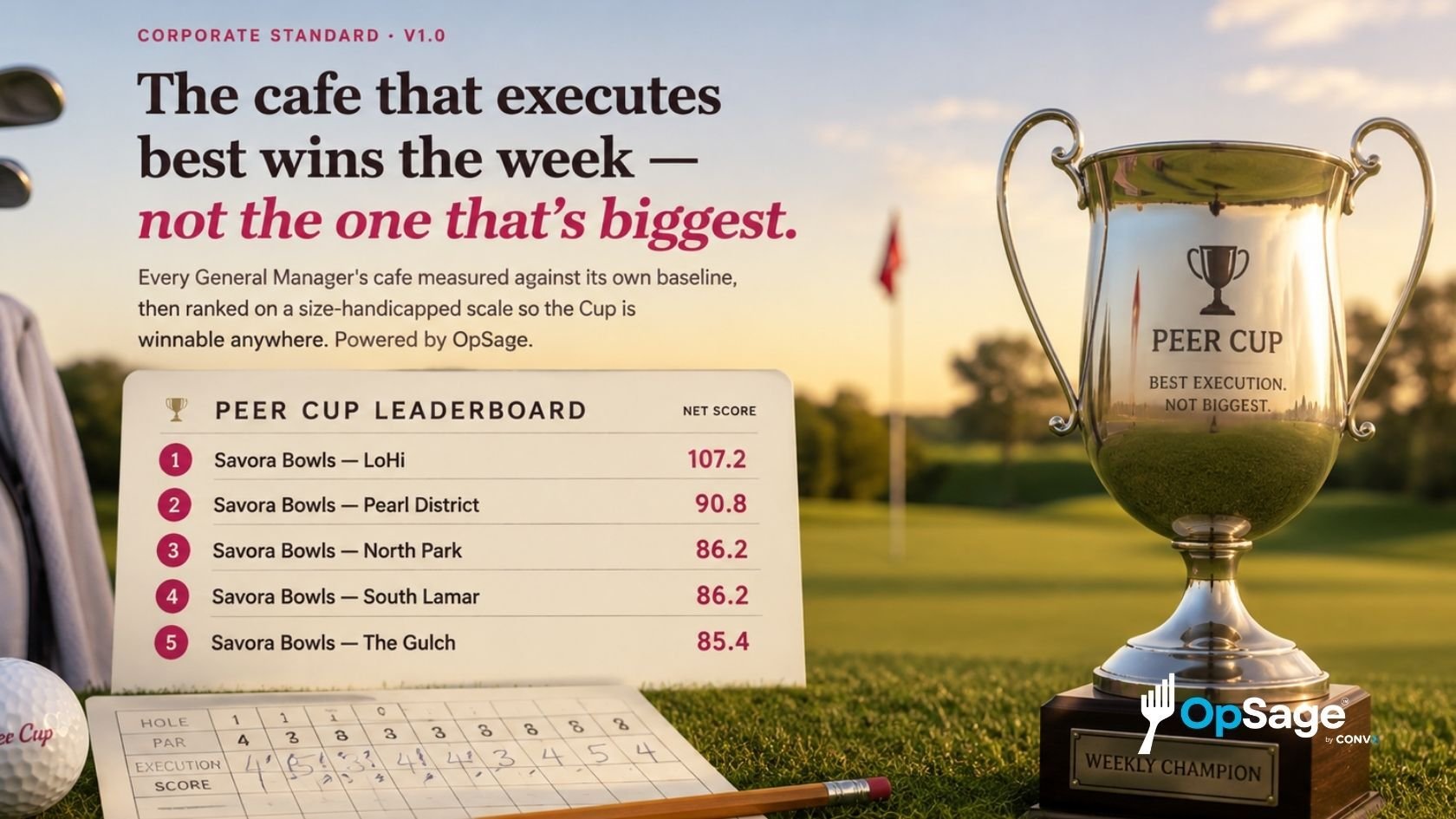
There’s a difference between reporting what your POS recorded and reporting what actually happened in your business. Most reporting tools just show you what the terminal typed. OpSage takes the knowledge that used to live in the head of whoever read the report, that “Bacn Burger” is the bacon burger and that the employee meal comp is the employee meal comp, and makes it part of the platform. That knowledge stays even after a manager moves on, and it gets applied on its own every time a report runs.
That’s the same model OpSage has used since day one, now reaching more of your operation. The pattern holds as it grows: each new type of data follows the same screens and the same logic, so you learn it once, and it keeps paying off.
Want to see your menus, guests, and discounts roll up into one consistent view? Book an OpSage demo today.
To learn more about what OpSage can do for your operation, visit F.A.Q.
.png?width=48&height=48&name=Conrad%20Face%201%20(1).png)