Product
.jpg?width=1400&height=787&name=OpSage%20Daily%20(1).jpg)
.png?width=48&height=48&name=Conrad%20Face%201%20(1).png)
Every operator has a story about the Saturday that came out of nowhere. The kitchen prepped for a normal night, the schedule had the usual crew, and then a concert let out two blocks away and the line reached the door at 9:40. Or the reverse: a full staff standing around because the city closed the street out front for a 10K nobody mentioned.
Neither night was a surprise to everyone. The concert had been on sale for months, and the road closure was posted on the city website. The information existed. It just wasn’t anywhere a general manager looks at 7 a.m. while planning the day.
With OpSage 0.9.21, it is.
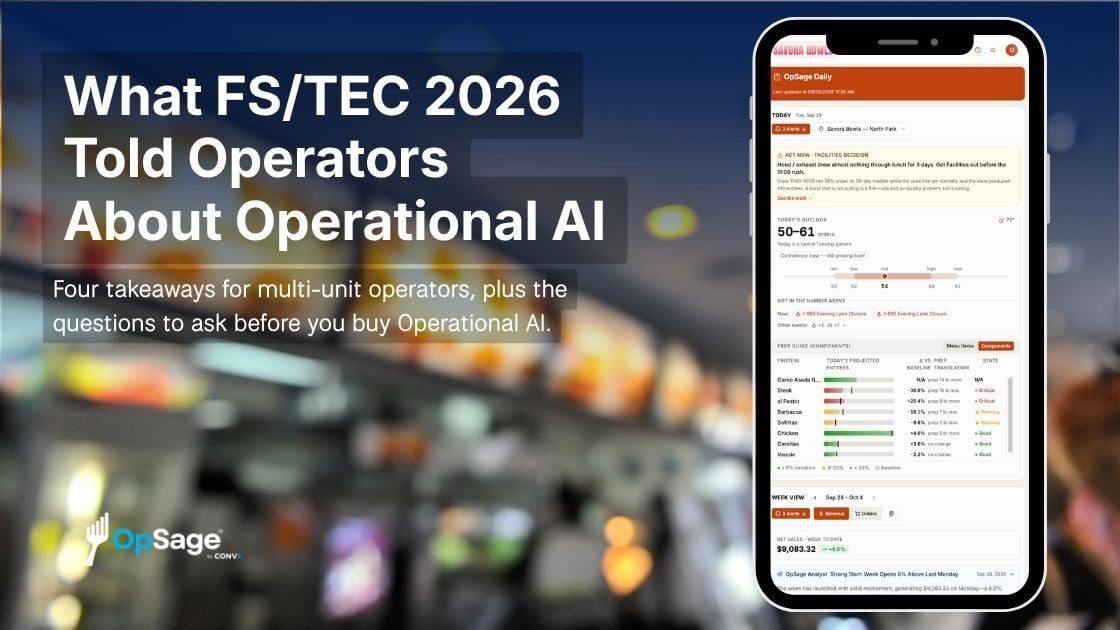
OpSage now gathers the events happening around each of your locations and puts them in OpSage Daily, day by day, next to the weather.
Events come from holiday and observance calendars, national sports schedules, and local event sources near your restaurants. Each event is matched to the locations it’s near, so the store by the stadium sees the home game and the store across town doesn’t.
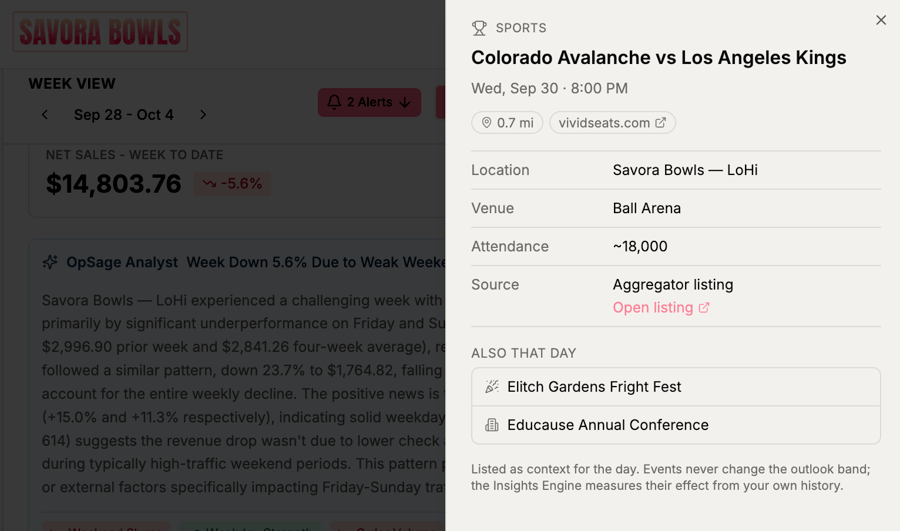
Open the week view and you’ll see what’s coming, from festivals and conventions to school events and road closures. Click any event for the details and the location it affects. When you’re looking across several locations at once, OpSage shows only national and regional events so the view stays readable.
The first win is prep. If there’s a festival Saturday, the kitchen knows by Wednesday and orders for it.
Staffing comes next. The manager writing next week’s schedule can see which shifts will feel the crowd and which will run quiet because the road out front is closed.
Then there’s marketing. A Thursday home game is a reason to run a game-day special, and a convention in town is a reason to push lunch delivery to the nearby hotels. Marketing leads at multi-unit brands get a running calendar of local, timely moments for every store without anyone having to hunt for them.
Some of the events that matter most never appear on a public calendar. Think of a 200-person catering order, a rehearsal dinner booked in the back room, a planned closure for a deep clean, or the school across the street letting out early on Friday.
Master Data now has an Events tab where your team can add those, and they show up in OpSage Daily for the locations you choose. When a manager logs an observation about something coming up, they can track it as an event on the spot. And if a public event doesn’t matter to a particular store, mark it not relevant and it drops off that location’s view.
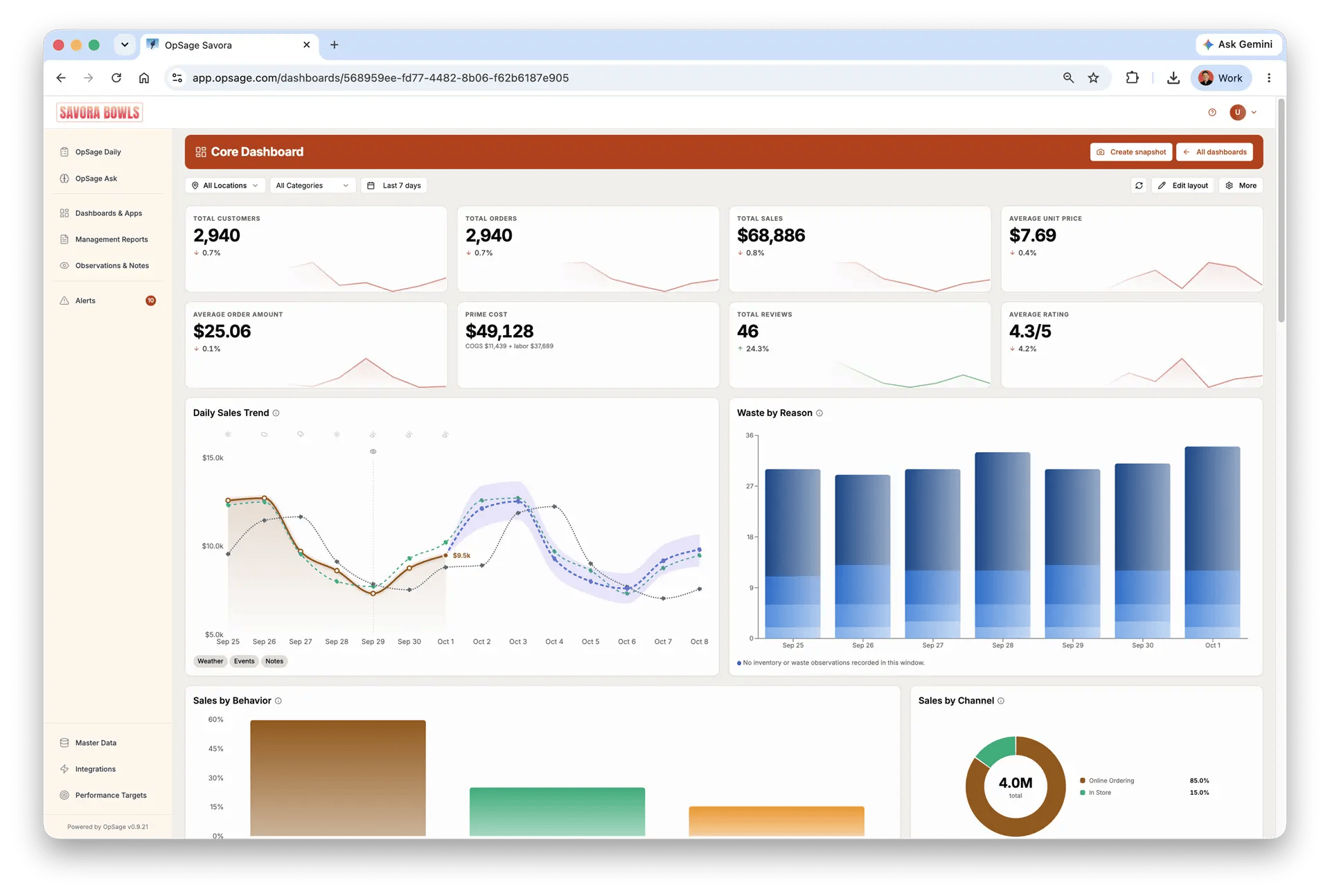
A BI dashboard can tell you Saturday was up 30%. It won’t tell you a festival caused it, and it won’t warn you about the next one. Restaurant demand follows what happens outside the doors. Putting that context beside your sales, labor, and weather helps a manager move from explaining last week to planning for next week.
 Ask your AI assistant, too
If you’ve connected OpSage to Claude or another AI assistant, it can now look up local events for your locations. Ask what’s happening near your downtown stores next weekend and get the answer without switching tools.
Local Events is live in OpSage Daily now. Open the week view to see what’s coming at each location, and add your own events from the Events tab in Master Data. The full details are in the 0.9.21 release notes.